Angular / Installation

👋 Hi there! I'm Suzie, a developer who began my coding journey in 2023. I’m passionate about building fast and dynamic web experiences using Next.js, JavaScript, and Tailwind CSS.
🌱 As I grow in tech, I enjoy documenting my learning journey and sharing insights to help others navigate their path.
✨ Fun fact: When I’m not coding, you can find me practicing Capoeria 🤸.
Let’s connect, learn, and create together!
What is Angular?
Angular is a JavaScript Framework which allows you to create reactive Single-Page-Applications(SPAs)
The way of SPAs approach allows you to create web applications which look and feel almost like mobile applications, very fast, everything happens instantly. And if you do need some data from a server, you simply load it in the background, so that the user never leaves this experience of having a reactive web application to use. (JavaScript changes, the DOM, whatever is displayed.)
Understanding Angular Versioning
AngularJS(Angular 1) ➡️ Angular 2 ➡️ Angular 4 ➡️ Angular 11, 12, 13, 14, 15...
The only differences are between Angular 1 and 2.
Angualr 1 is called AngularJS but Angular2 onwards are called Angular.
⚙️ Installation
Open terminal
type
npm install -g @angular/cli@latest(if you are using Mac, addsudobefore npm)Navigate into the folder where you wanna create that project.
type
ng new my-first-app(any name you want) --no-strictyou will see some questions below:
Would you like to add Angular routing? No (Not now for me. I will add routing later)
Which stylesheet format would you like to use? Select one as your preference. (I will use CSS)
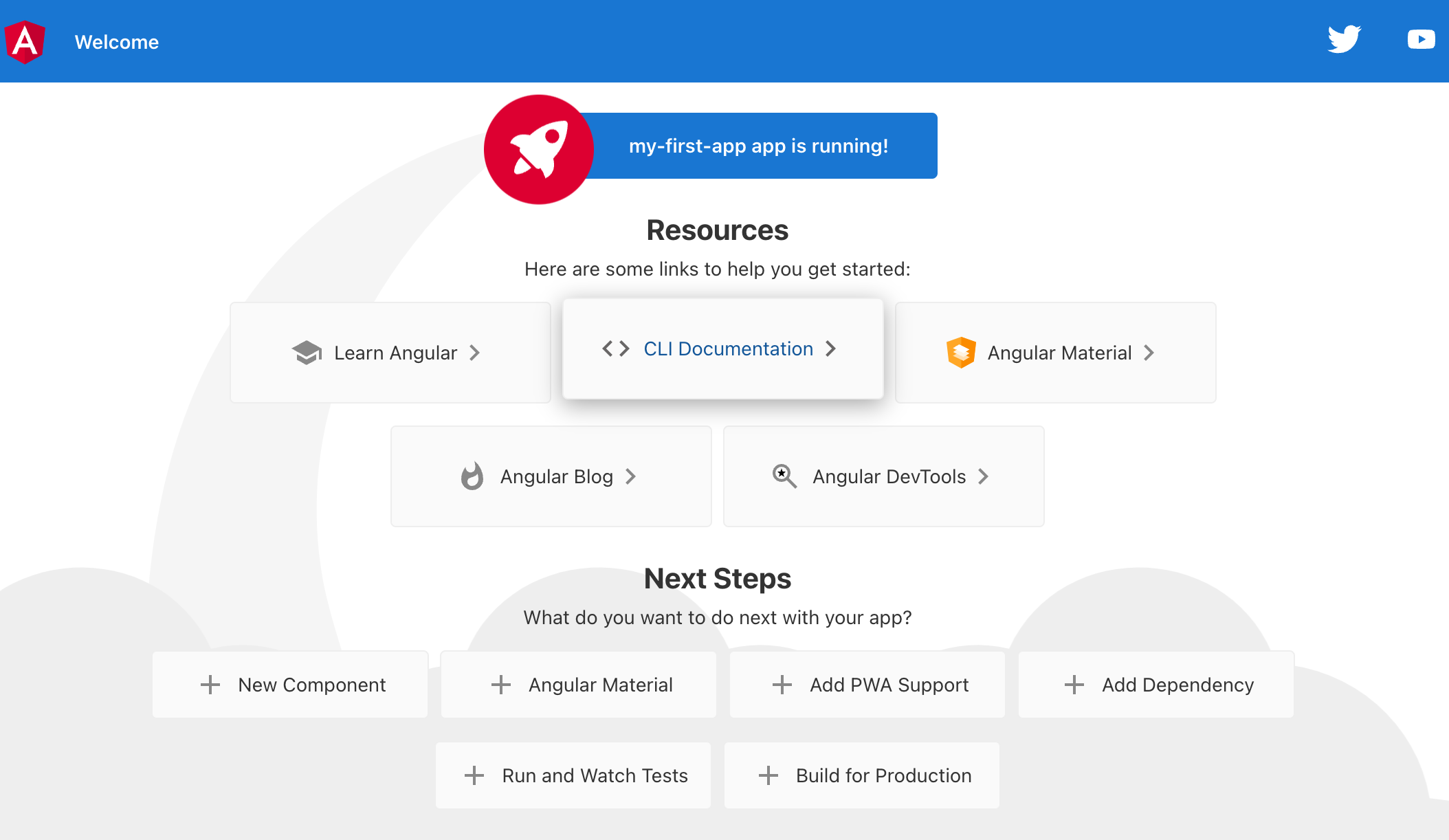
ng serve👉 http://localhost:4200

![[TypeScript] Understanding Generic Functions](https://cdn.hashnode.com/res/hashnode/image/stock/unsplash/NH0pmKaZeuk/upload/47eb76a03d44ea841c42f406a93de157.jpeg)
